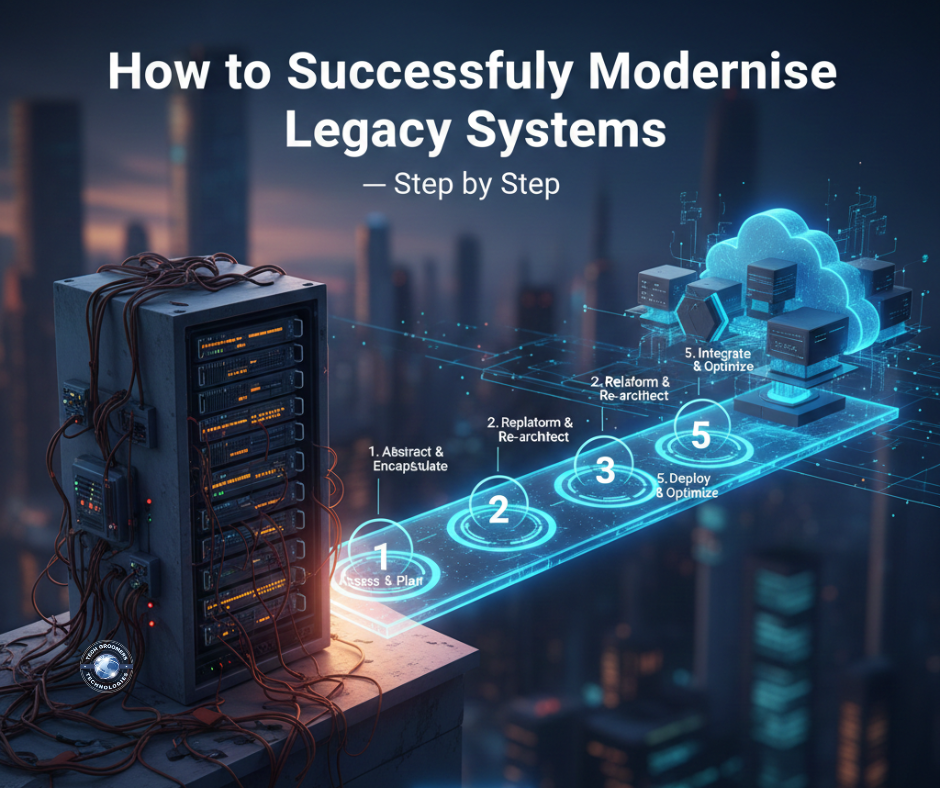

In today’s competitive digital world, businesses cannot afford to run on outdated, slow, and inflexible legacy systems. Old systems may have once served well, but they eventually become a barrier to growth, customer experience, and security. Modernizing legacy systems is no longer optional—it’s essential for scalability, automation, and business continuity.
However, modernization can feel overwhelming. The key is to approach it strategically.
This guide walks you step-by-step through a practical and safe modernization process that ensures minimal disruption and maximum long-term value.
⭐ Step 1: Evaluate Your Current Legacy System
Before making any changes, businesses must understand the strengths and limitations of their existing systems.
Assess:
- Performance issues
- User experience problems
- Integration limitations
- Security vulnerabilities
- Maintenance costs
- Technology stack age
This assessment helps identify what needs to be improved vs. completely redesigned.
⭐ Step 2: Define Clear Business Goals
Modernization should not be driven by technology alone — it must support business goals.
Ask questions like:
- Do you want faster performance?
- Do you need automation?
- Are you planning to scale?
- Do you want to reduce operational costs?
- Are you improving customer experience?
These goals guide the modernization roadmap.
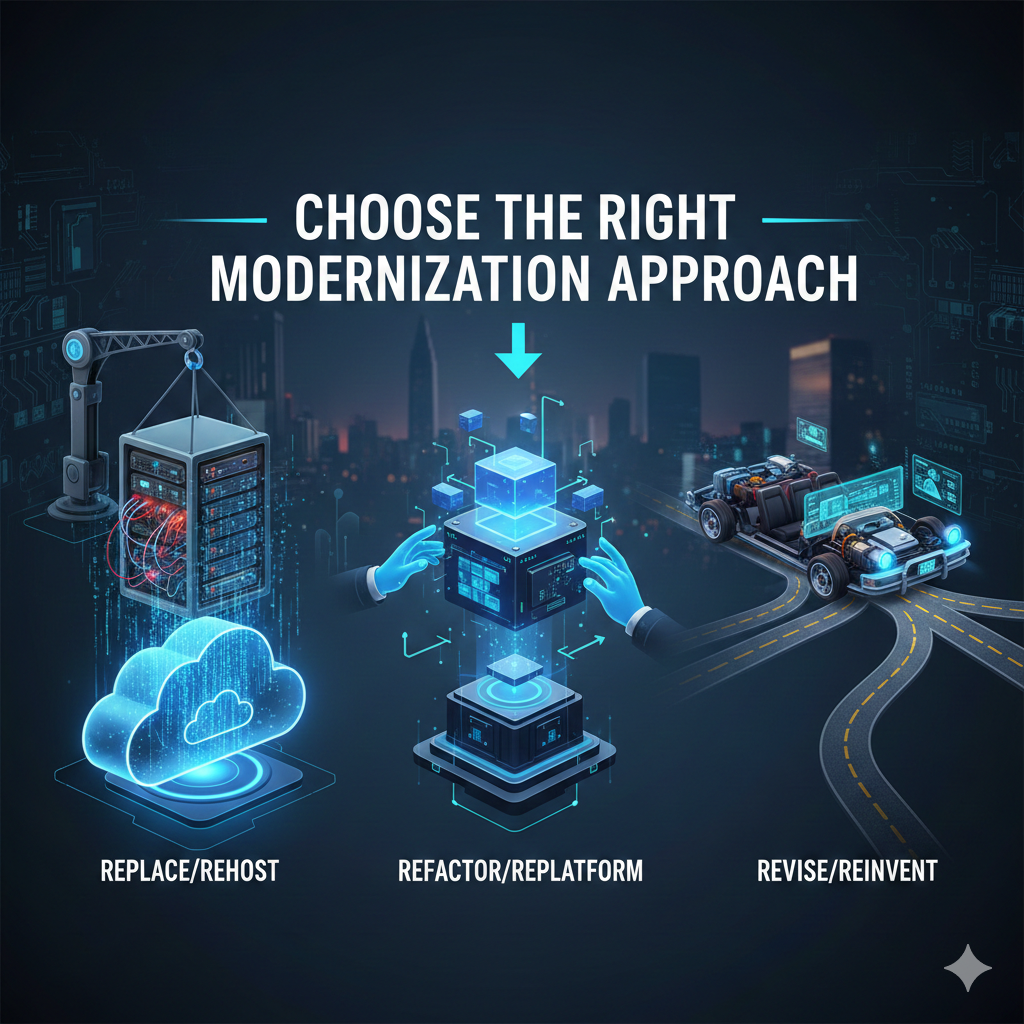
⭐ Step 3: Choose the Right Modernization Approach
Not all systems need to be rebuilt from scratch. Depending on your needs, you can select one of these approaches:
✔ Rehosting (Lift & Shift)
Move the system to a modern cloud infrastructure without major changes.
✔ Replatforming
Upgrade core components while keeping the architecture.
✔ Refactoring
Redesign parts of the code to improve scalability and performance.
✔ Rebuilding
Create a new system from the ground up using modern technologies.
✔ Replacement
Adopt a fully new ERP, CRM, or inventory system.
Each path has different costs, timeframes, and impacts — choosing the right one ensures success.
⭐ Step 4: Modernize the Architecture
Modern businesses need flexible and scalable systems, and the best way to achieve that is through modern architecture.
Recommended architecture upgrades:
- Microservices
- API-first design
- Cloud-native applications
- Serverless computing
- Containerization using Docker/Kubernetes
These architectures make systems more modular, scalable, and easier to maintain.
⭐ Step 5: Integrate AI, Automation & Analytics
Modern business systems rely on intelligent features — and modernization is the perfect time to add them.
Add capabilities like:
- AI-powered automation
- Predictive analytics
- Machine learning insights
- Smart customer behavior tracking
- Auto-generated reports
- Intelligent alerts and decision support
This transforms your new system from operational to strategic.
⭐ Step 6: Ensure Smooth Data Migration
Data migration is one of the most critical steps.
Include:
- Data cleaning
- Removing duplicates
- Mapping data fields
- Validating data integrity
- Migrating in phases
- Creating backups
A careful migration ensures the new system works perfectly from day one.
⭐ Step 7: Create a User-Friendly Experience
Legacy systems often fail because they are difficult to use. Modern systems should focus on experience first.
Modern UX/UI practices include:
- Intuitive dashboards
- Customizable views
- Mobile-friendly design
- Fast navigation
- Simpler workflows
Better user experience increases adoption and productivity.
⭐ Step 8: Test Thoroughly Before Going Live
Testing ensures stability and prevents surprises.
Must-do tests:
- Functionality tests
- Load & stress testing
- Integration testing
- Security penetration tests
- User acceptance testing (UAT)
With strong testing, the new system runs smoothly and safely.
⭐ Step 9: Launch in Phases to Reduce Risk
Instead of switching everything at once, adopt a step-by-step rollout.
Phased launch benefits:
- Less disruption
- Easier troubleshooting
- Smooth user training
- Controlled adoption
This method improves stability and confidence across teams.
⭐ Step 10: Train Teams & Provide Continuous Support
A modern system is only valuable if users know how to use it.
Provide:
- Training workshops
- Video tutorials
- User manuals
- Dedicated support teams
- Regular feature updates
Continuous improvement helps businesses fully benefit from modernization.
⭐ Final Thoughts: Modernization Is Not a Cost — It Is an Investment
Legacy systems slow down innovation, limit growth, and increase risks. Modernizing them unlocks speed, better user experience, stronger security, and future-ready performance.
When done the right way — step by step — modernization leads to:
- Lower operational costs
- Higher team productivity
- Faster decision-making
- Better customer service
- A strong foundation for AI and automation
Businesses that modernize today gain a long-term competitive advantage tomorrow.

Leave a Reply